
- Home
- Radius Velocity user guides
- Manage your cards & fuel services
- Find your nearest fuel station
How to find your nearest fuel station
Follow the steps below to learn how to locate your nearest fuel station through the platform on both mobile and desktop devices.
Using the mobile app
1. Open the app on your mobile device and log in to your account.
2. Tap the 'Fuel Cards' tile.
3. Tap the 'Radius e-route' tile.
4. Download e-route, our site locator app to your device.
Using the browser
1. Visit the login page on your browser
2. Click the 'Fuel Cards' tile.
3. Click the 'Network' tile.
4. Click the e-route 'Online' tile to find your nearest fuel station within your browser. Alternatively, you can click the 'Mobile Apps' tile to view links to the e-route app on the Apple App Store and Google Play Store.
One app for every journey
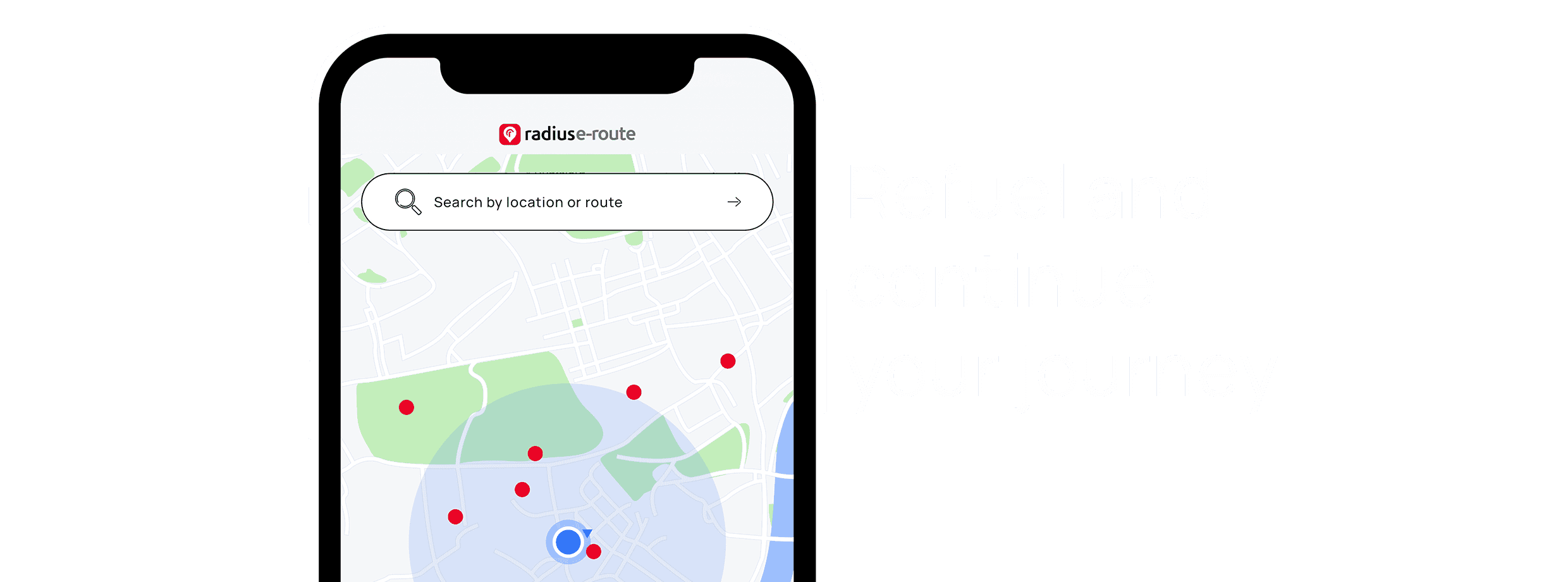
Our all-in-one station finder, Radius e-route, helps drivers and fleet managers quickly locate the most convenient fuel stations across the Singapore’s leading networks.
Free for all Radius fleet card customers, Radius e-route is designed to make every journey easier, helping drivers find nearby locations where their cards are accepted, saving time and reducing hassle on the road.
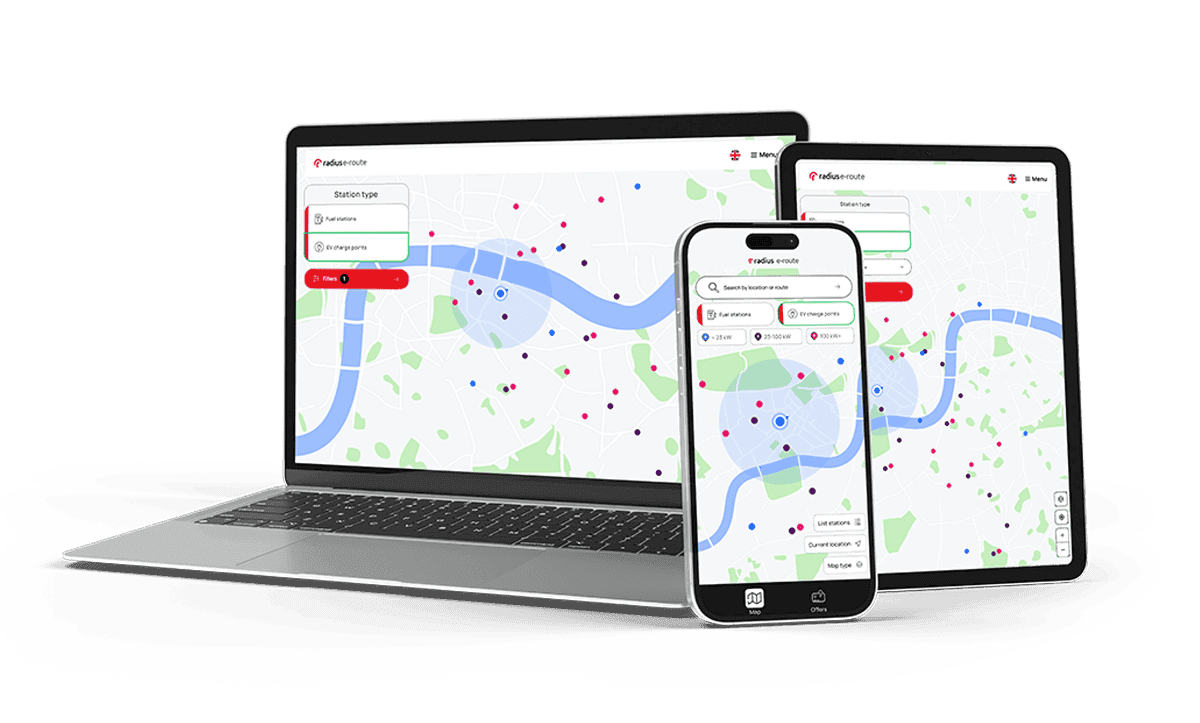
Download Radius e-route for smarter journey planning
The Radius e-route app is available for free download on App Store and Google Play.


Can't find what you are looking for?
Need help? The customer support team at Radius operates across more than 50 offices worldwide, providing local contact with a global presence. Let us know how we can assist you.