GPS tracking uses satellite positioning technology to monitor the location and movement of vehicles, assets and equipment. It gives authorised users access to current locations, journey history and other operational information through an online platform or mobile app.

What is a GPS tracker?
A GPS tracker is installed in a vehicle or attached to an asset. It uses satellite signals to calculate its location before sending the information through a mobile network to tracking software.
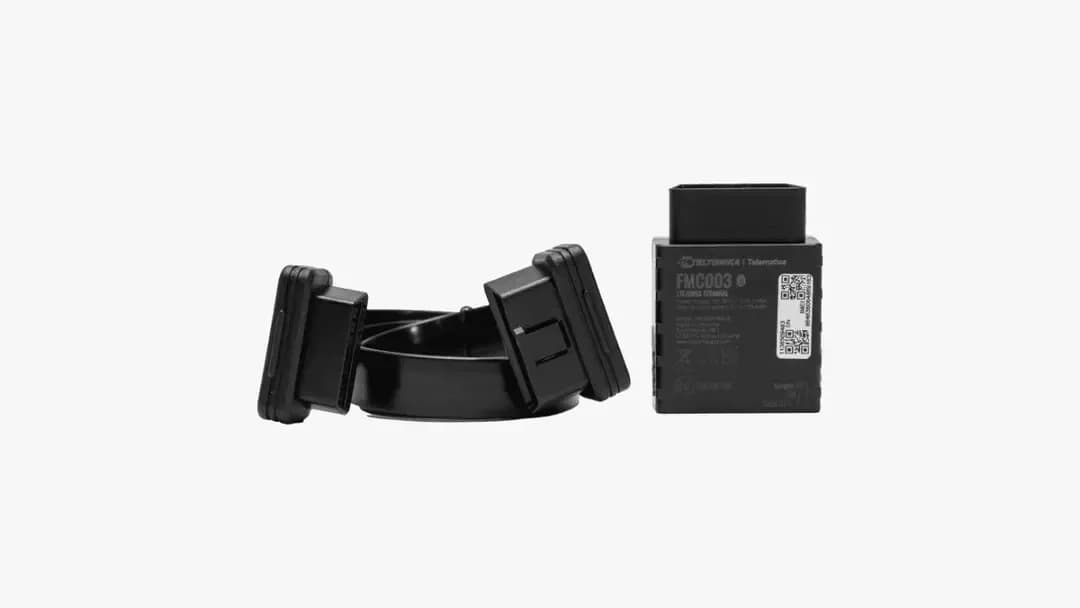
Radius offers battery-connected, hard-wired and OBD (On-Board Diagnostics) vehicle trackers, alongside powered and battery-operated asset trackers. Features vary by device, installation, vehicle compatibility and software package.
How does GPS tracking work?
1. Satellites transmit signals: GPS satellites continuously send positioning and time information.
2. The tracker calculates its location: The device compares signals from multiple satellites and uses trilateration* to estimate its position.
3. The device sends the data: Most live business trackers use a mobile network to transmit information to a central server.
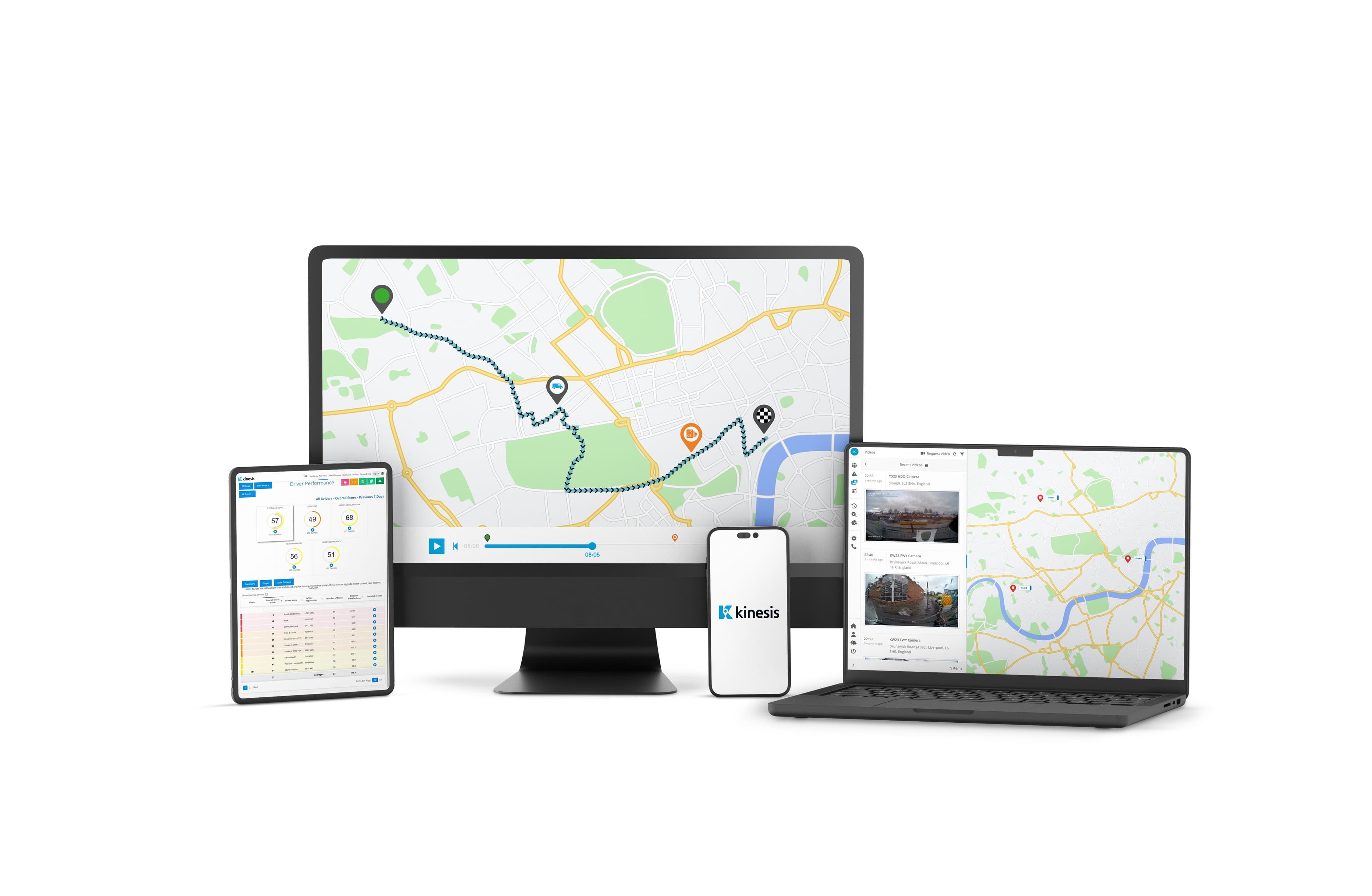
4. The platform displays it: Authorised users can view locations, journeys, reports, alerts and geofences through tracking software or an app.
* Trilateration is a method used to find an unknown position by measuring its exact distance from three or more known reference points.

What information can GPS tracking provide?
GPS provides location data for mobility insights. While accelerometers and CAN (Controller Area Network) bus connections collect additional vehicle, driver and asset information.
| Information available | How it is collected or calculated |
| Routes and journey history | GPS location points recorded during each journey |
| Vehicle speed, stops and idle time | GPS movement data, timestamps and, where available, vehicle data |
| Driver behaviour | GPS speed data and accelerometer readings used to identify speeding, harsh acceleration, braking and cornering events |
| Vehicle health and diagnostics | Data read from compatible vehicles through a CAN bus or OBD connection |
| Mileage and odometer readings | GPS journey calculations or odometer data obtained from a compatible vehicle |
| Fuel level or EV battery information | CAN bus data from compatible vehicles |
| Asset utilisation | Location reports, movement data and tracker activity |
| Geofence activity and alerts | GPS locations compared with virtual boundaries created in the tracking software |
How GPS tracking differs from related technology
Telematics: GPS calculates location, while telematics combines it with information such as driver behaviour, vehicle diagnostics and fuel or battery data.
Navigation: A navigation system gives directions to the driver. GPS tracking gives authorised users access to vehicle or asset locations and journey history.
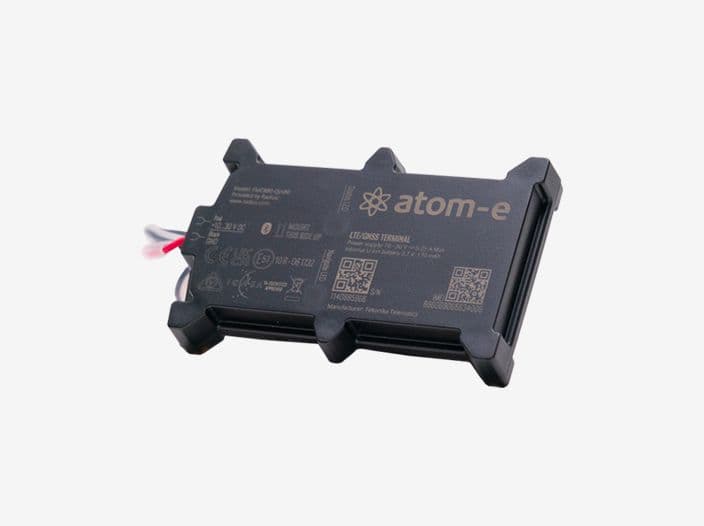
Live and on-demand tracking: Live trackers such as the atom-e report regularly while in use. On-demand trackers such as the neon-s typically report three or four times daily, or when a position is requested, helping preserve battery life.
Types of GPS trackers
Tracker choice depends on what is being monitored, the available power source and the required reporting frequency.
- Vehicle tracking: Monitor current locations and trip histories for cars, vans, HGVs and other commercial vehicles. Review driver performance data and use live location information to provide more accurate ETAs.
- Asset tracking: Track powered and non-powered equipment, set up security alerts for unexpected movement and review utilisation data to help make better use of your assets.
- Trailer tracking: Monitor trailer locations, movement and availability. Security alerts can flag unauthorised activity, while utilisation data helps identify idle or underused trailers.
- Construction equipment tracking: Monitor the location and usage of plant and machinery across depots and job sites, with security alerts helping teams respond to unexpected movement.
- Tool tracking: View live or last-known locations for supported tools and smaller equipment, helping teams locate items and reduce time spent searching.
- Dash cams with GPS tracking: Combine video context with location, speed and journey information to review road incidents and driving events more fairly.
GPS tracking in practice
Allocating work to nearby drivers
A field-service team receives an urgent request. It checks the tracking platform for a suitably located driver and reviews the vehicle’s status before assigning the work.
Monitoring trailers and equipment
A trailer or item of construction equipment has not returned to its depot. Its location history, last reported position and geofence alerts can help establish where it was moved.
Reviewing a driving event
An accelerometer records a speeding or harsh-braking event. The fleet manager reviews the time, location and journey information before deciding whether further investigation is needed. Accompanying camera footage may provide additional context.
How accurate is GPS tracking?
Modern GPS tracking systems can identify vehicle or asset locations to within a few metres under suitable operating conditions. The stratus-e tracker technical specification states the device can report GPS positions to an accuracy of approximately three metres. The displayed position should still be treated as an estimate because local conditions and installation can affect accuracy.
Accuracy can be affected by:
- Satellite availability and positioning
- Buildings, trees, tunnels and other obstructions
- Reflected signals, atmospheric conditions and radio interference
- Receiver quality, installation and underlying map data
For further technical detail, see the official GPS accuracy guidance from GPS.gov.
Does GPS tracking work without mobile signal?
A GPS tracker can calculate its location using satellite signals without a mobile connection. Live tracking still requires network connectivity to send that position to the platform. If transmission is interrupted, users may see the last successfully reported location until the device reconnects.
What is geofencing?
Geofencing creates a virtual boundary around a real location using GPS coordinates. When a tracked vehicle or asset crosses that boundary, the platform can notify an authorised user. This is useful for delivery arrival notifications, providing a record of site attendance and to help prevent theft.

Benefits of GPS tracking
Know where vehicles and assets are
Current and recently reported locations help operations teams monitor work, check arrivals and respond to delays without relying solely on telephone updates.
Make better use of your fleet
Journey reports can reveal repeated detours, long periods of vehicle downtime and underused assets, informing scheduling and fleet-size decisions.
Identify avoidable costs
Mileage, journey and idling data can reveal unnecessary fuel waste or inefficient working patterns. Compatible vehicle data may also inform maintenance and fuel-cost analysis.
Review driving events fairly
Speeding, harsh braking, acceleration and cornering data can highlight patterns that merit discussion.
Respond to unexpected movement
Geofences and movement alerts can flag when a vehicle or asset leaves an expected area. Location information may support an investigation or recovery response efforts.
Support driver safety
Location, journey and driving-event data can help managers identify potential risks, support driver coaching and respond quickly when a vehicle needs assistance.
GPS tracking and employee privacy
GPS tracking may involve personal data when information can be linked to a driver or employee. Businesses should explain what is collected and why, limit access to authorised users and retain information only as long as necessary.
Organisations should assess whether monitoring is necessary and proportionate and whether a data protection impact assessment is required. The relevant data protection authority provides guidance on monitoring workers and surveillance in vehicles.
This information is provided as general guidance and does not constitute legal advice.
Ready to gain greater visibility over your vehicles and assets?
Explore Radius tracking solutions or speak to our telematics team about suitable devices and software.
Frequently asked questions
Can’t find an answer to your question? Talk to the Radius customer support team on 1800 723 487. We’re here to help you with any questions or concerns you may have.