- Home
- Telematics
- Self-Install Telematics Device
Self-install telematics devices
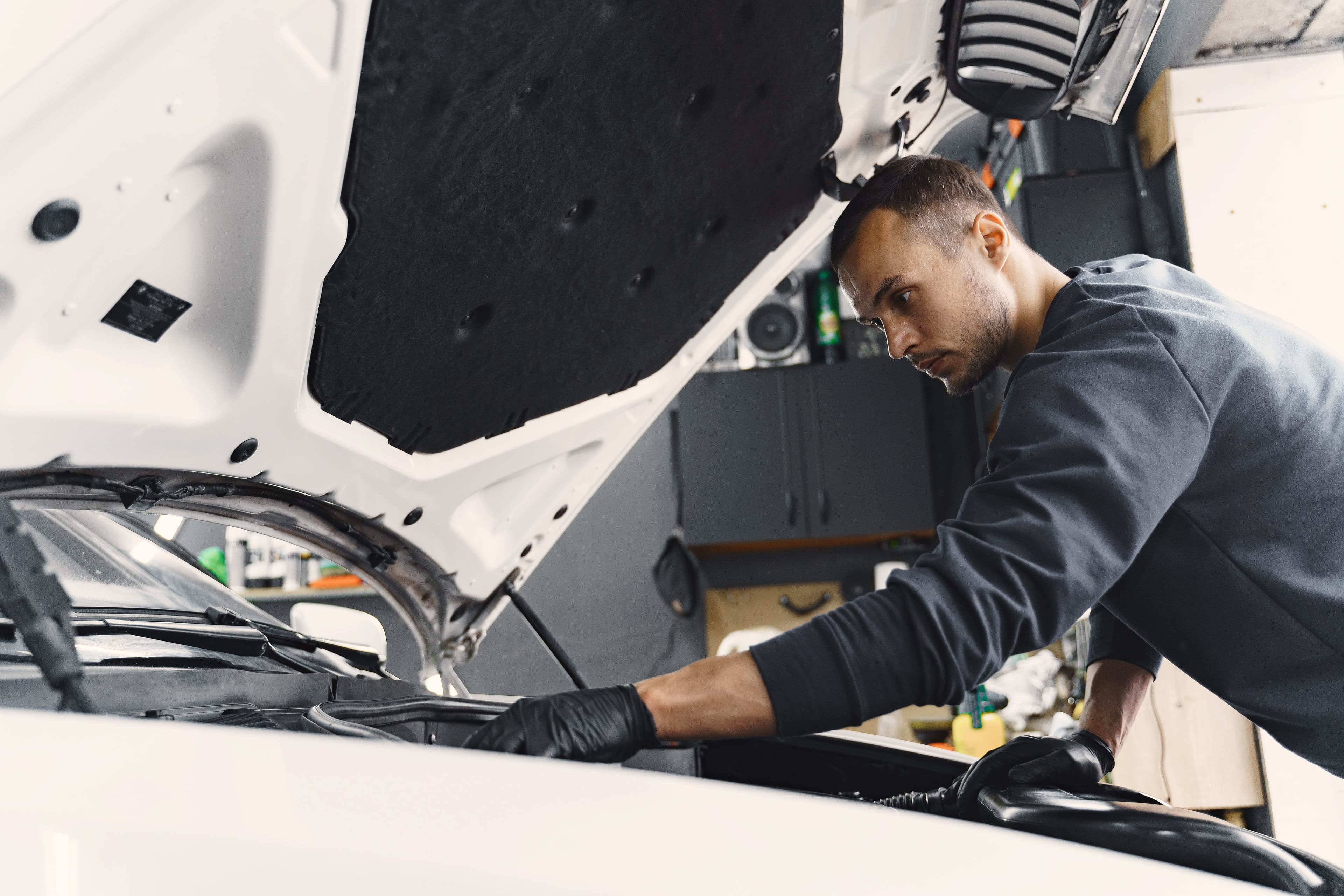
Telematics technology helps fleet managers gather real-time data on vehicle health, fuel costs and driving habits. This data can lower expenses, improve driver safety and streamline fleet tracking. Some organizations believe telematics installation is complicated or expensive. Modern self-install telematics device options have changed that. You can install a GPS tracker or other telematics hardware on your own, often in 20 minutes or less per vehicle.
What is a self-install telematics device?
A telematics device installation collects and transmits data about a vehicle’s status and performance. Data collected includes GPS location, speed, maintenance alerts and fuel consumption. Traditional setups require professional installers, but many devices now allow you to install telematics yourself.
Several designs exist:
- OBD unit: Plugs into the onboard diagnostics port near the steering wheel.
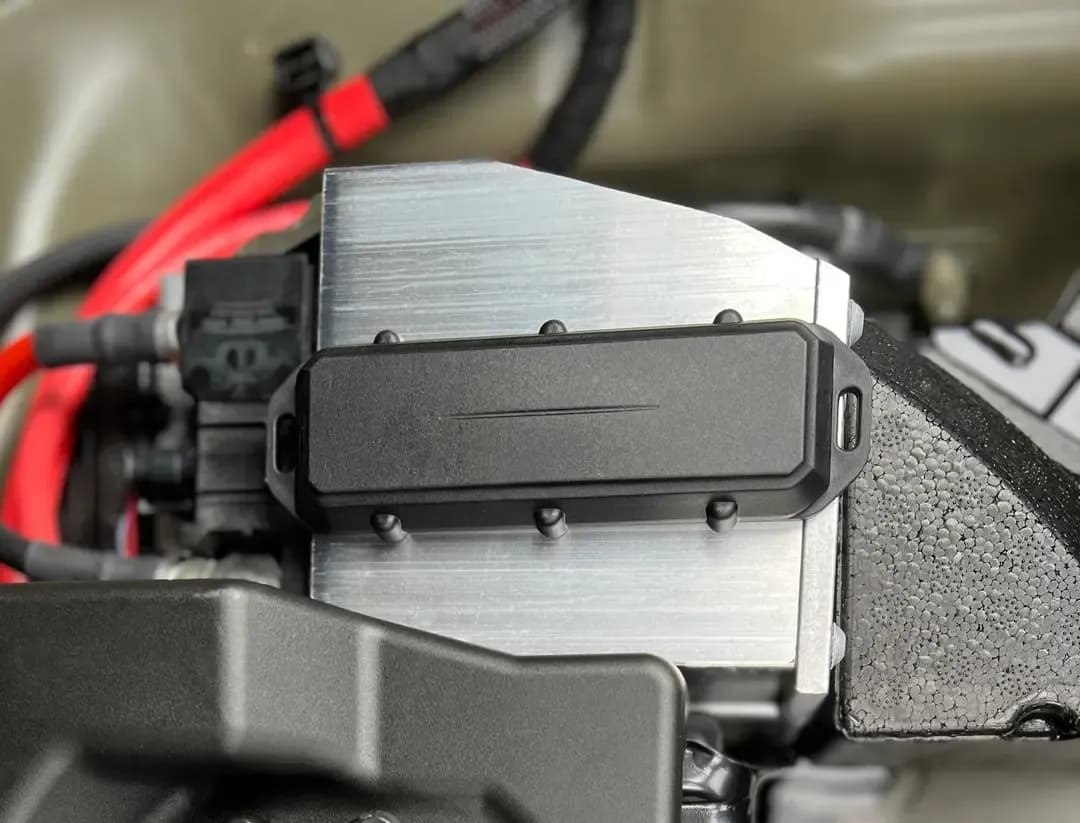
- Battery-mounted box: Connects directly to the battery as a power source.
- Magnetic tracker: Attaches to a metal surface for quick swaps between vehicles.
All these GPS trackers provide immediate data for more effective route planning, proactive maintenance and safer driving habit monitoring.
Benefits of self-install telematics devices
Smooth process
Completing the installation internally reduces downtime. You select the schedule instead of waiting for outside help. Clear instructions and straightforward steps allow you to handle the process without specialized technical knowledge.
Reduced costs
Professional installation fees often rise with larger fleets. When you install a GPS tracker, you only pay for the hardware and its monthly service plan. This approach can save money over time.
Flexible placement
When your fleet changes, remove the telematics device from one vehicle and attach it to a different one. This simple transfer method helps you adapt to changing needs.
Growth potential
You can add more vehicle tracking devices whenever your fleet grows. Repeat service calls or special visits are unnecessary and removing units takes minimal effort if you retire a vehicle.
Real-time insights
Tracking systems begin sending data as soon as you power them. You can address harsh braking, speeding or engine alerts immediately. Rapid notifications improve safety and help control fuel costs.
Where to install a telematics device
Radius offers several telematics solutions that suit different requirements. Contact us if you need advice on which telematics system fits your fleet. We will discuss your vehicles and goals to find a suitable match.
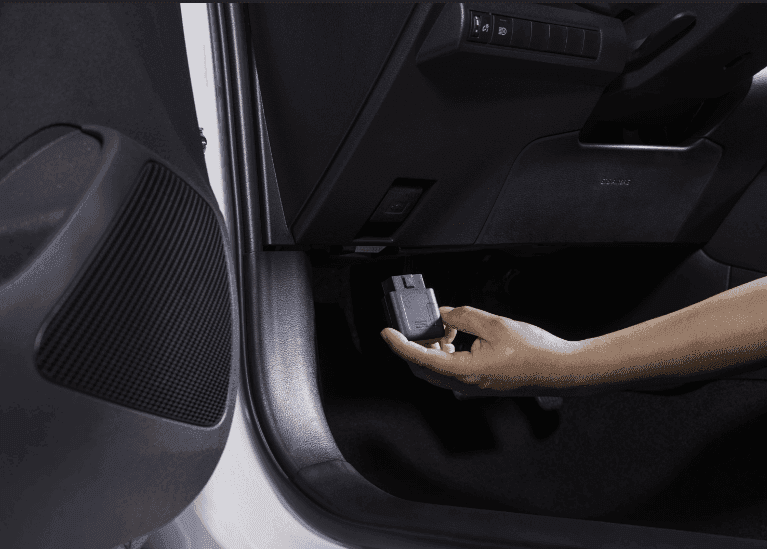
OBD device
- Plugs into the OBD-II port located under the dashboard
- Uses onboard diagnostics to deliver a detailed overview
- Often considered the most straightforward method for GPS vehicle tracker installation

Battery-mounted device
- Connects to the battery for its power source
- Works well if the vehicle has a non-functioning OBD port
- Supplies continuous data without relying on the OBD system
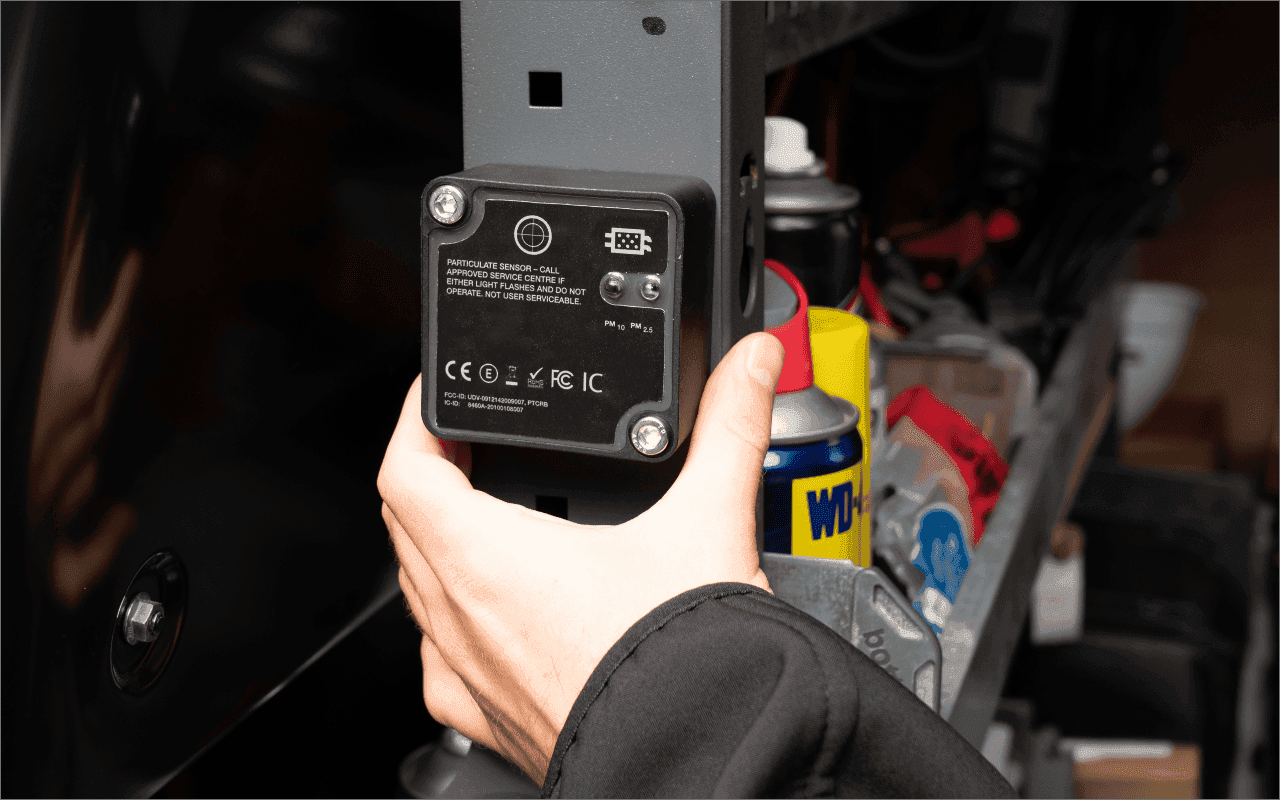
Magnetic asset tracker
- Secures to metal surfaces for simple relocation
- Suitable for short-term setups or rotating among different vehicles
- Requires no hard-wiring or specialized cables
How to self-install a telematics device
Confirm fit
Verify that the device is compatible with the vehicle’s model and year. Most vehicles made after 1996 have an OBD-II port, adapter cables are available for older vehicles. If you can't reach this port, you can use a battery or a magnetic device instead.
Collect basic tools
Many telemetry devices do not require advanced tools. A cable tie can secure wires away from critical areas. Battery-mounted options may need a spanner or cutting plier, as the instructions specify.
Position the hardware
OBD plug: Locate the port near the driver’s seat and insert the telematics device firmly. Battery-mounted: Fasten the device to the battery and connect the wires. Magnetic: Select a stable metal surface to reduce the risk of dislodging.
Power the vehicle
Activate the vehicle’s ignition. Monitor indicator lights on the telematics device. If there is no signal, inspect the connection or consult the manual.
Verify data flow
Access your telematics software account. Check whether the newly added device appears on the map. After a brief interval, the system should display data such as engine diagnostics and location.
Frequently asked questions
Can’t find an answer to your question? Talk to the Radius customer support team at 888-278-9781. We’re here to help you with any questions or concerns.
Partnership
Why choose Radius?
For more than 35 years, we have served over 470,000 customers globally. Our telematics solutions offer flexibility and strong support for your fleet of vehicles. We focus on practical ways to manage fleets, reduce costs and enhance driver safety. Our awards and satisfied clients highlight our commitment to customer success.