- Home
- Telematics knowledge hub
- Software training & how-to guides
- Kinesis Pro how-to guides
Kinesis Pro - how-to guides
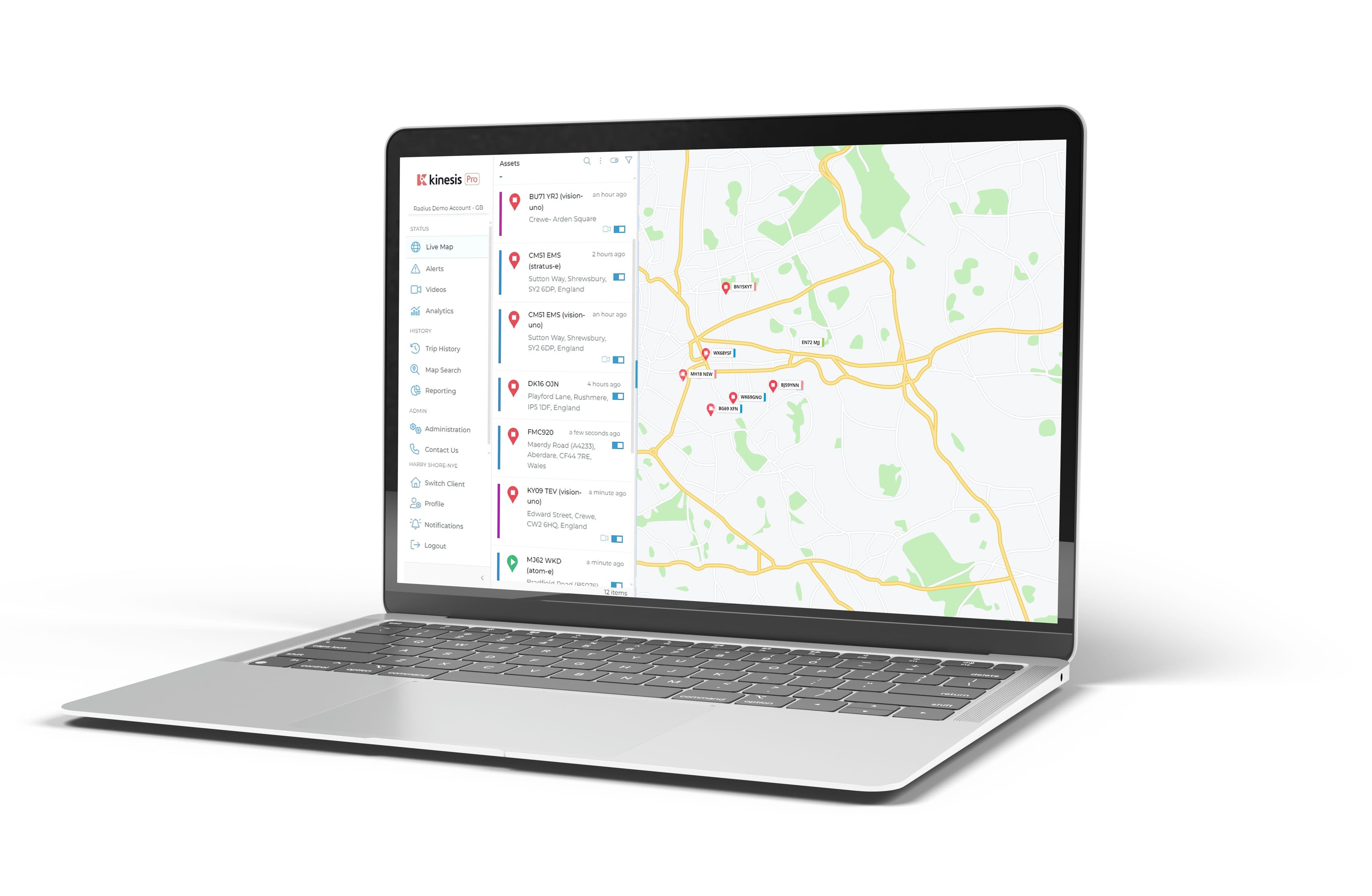
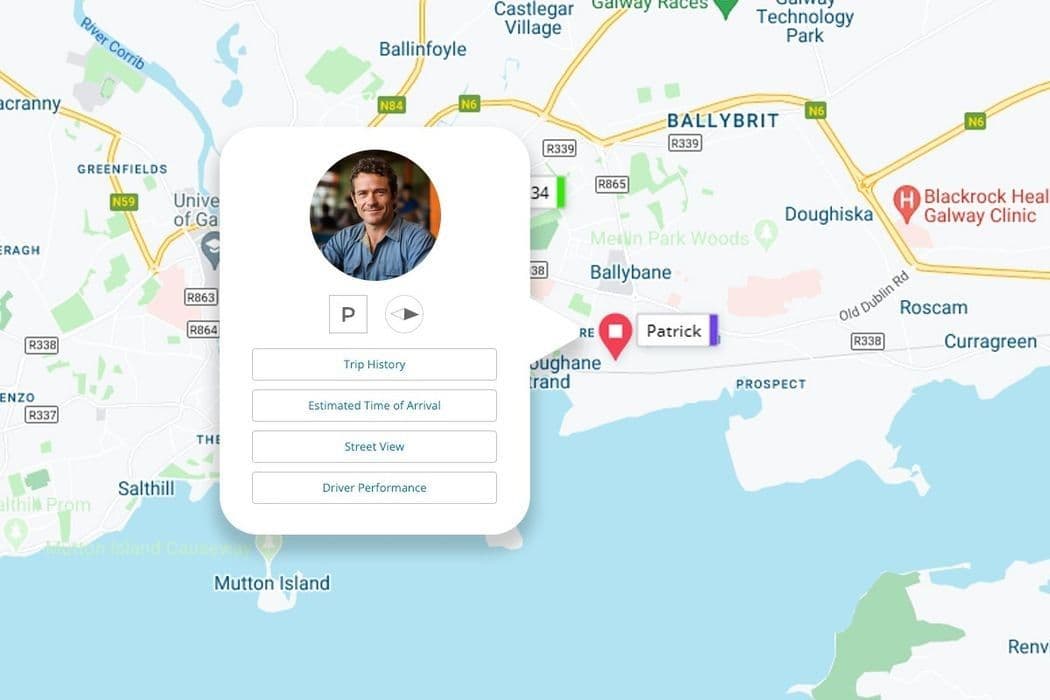
Live map
Gain a live view of the location of your vehicles and assets. Track the location and status of each vehicle, improving safety and security, and helping you to make informed day-to-day operational decisions
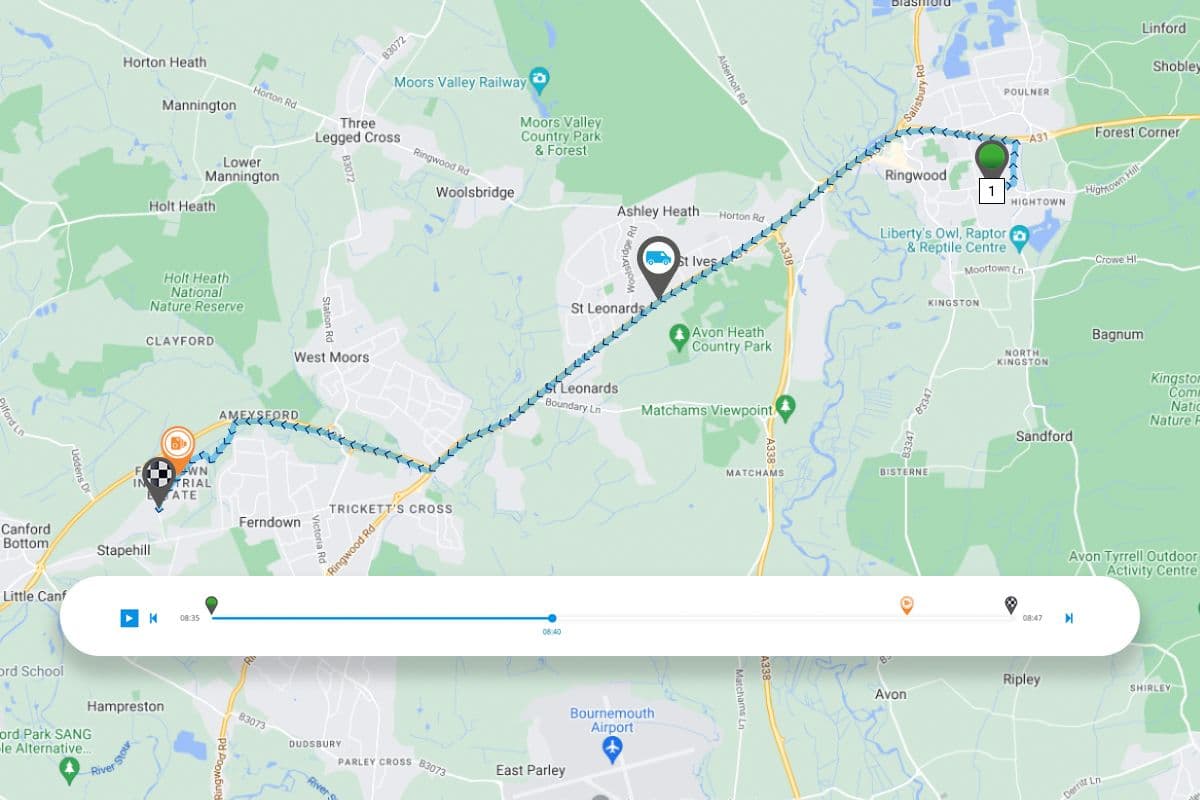
Trip history
Review past journeys, understanding the routes taken and how the vehicle was driven. Replay journeys to review any recorded events and optimise future routes to cut waste and reduce operating costs.
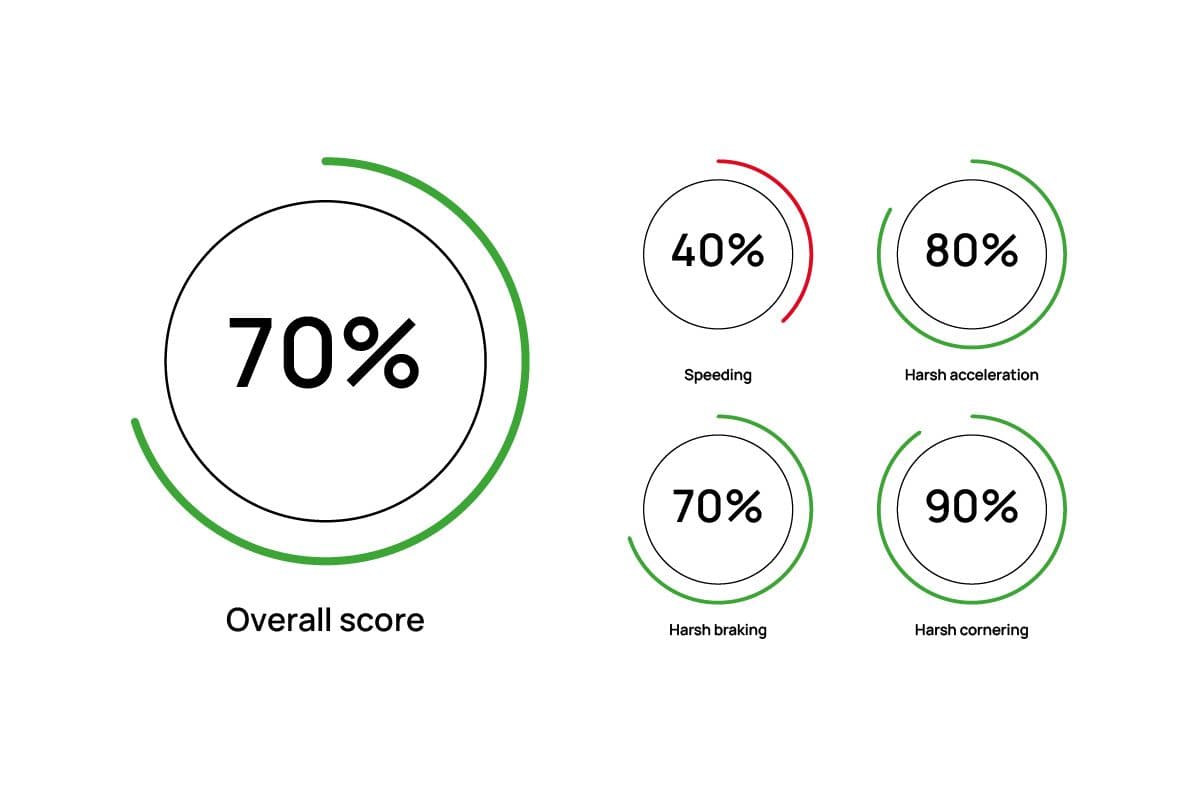
Driver performance
Understand how your vehicles are being driven, with detailed performance information. Identify unsafe driving habits, such as speeding.
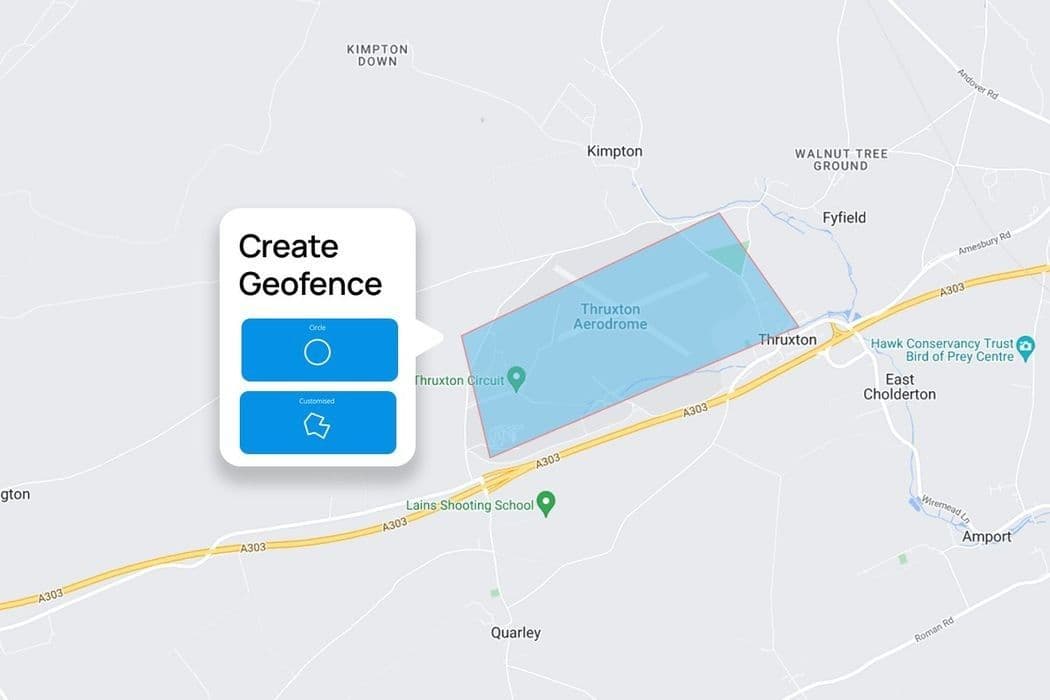
Geofences
Create virtual zones around specific locations, such as company premises or customer sites. Monitor movement into and out of locations of significance.
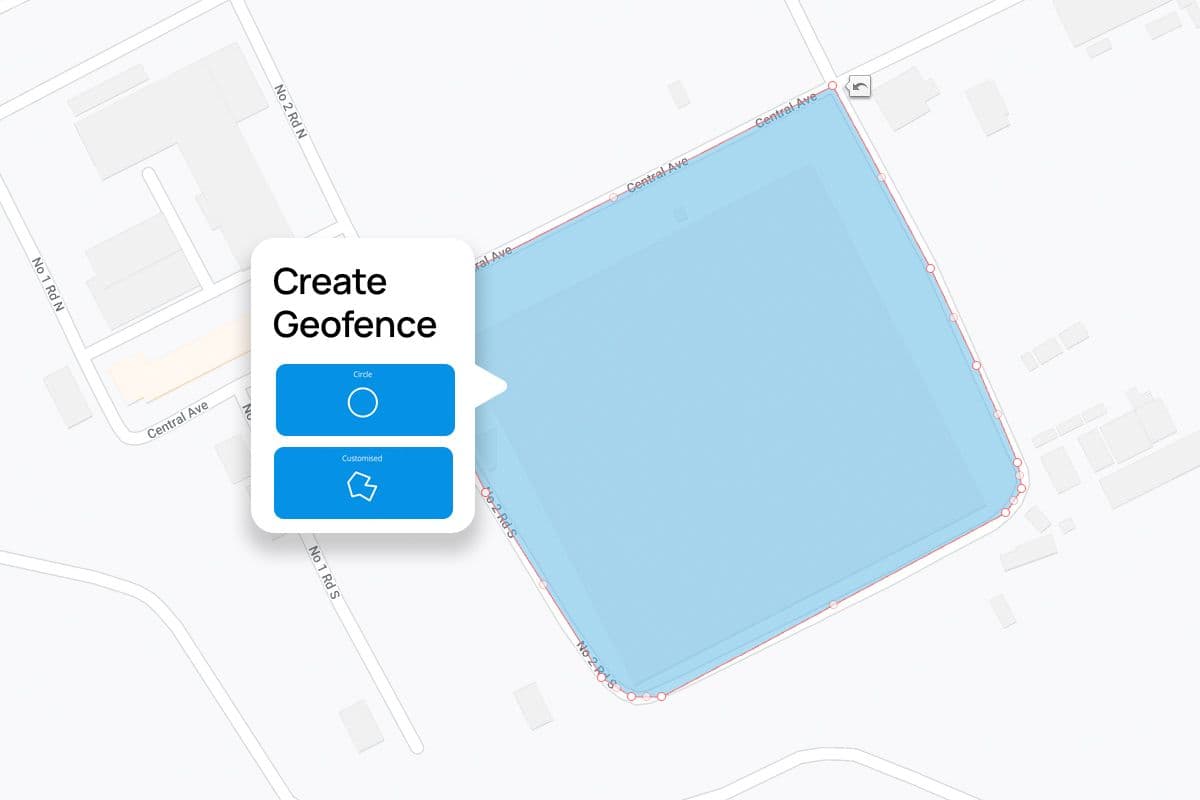
Geofence alerts
Create custom alerts for your geofences, see when your drivers have entered or exited an area and protect from theft or vehicle misuse.
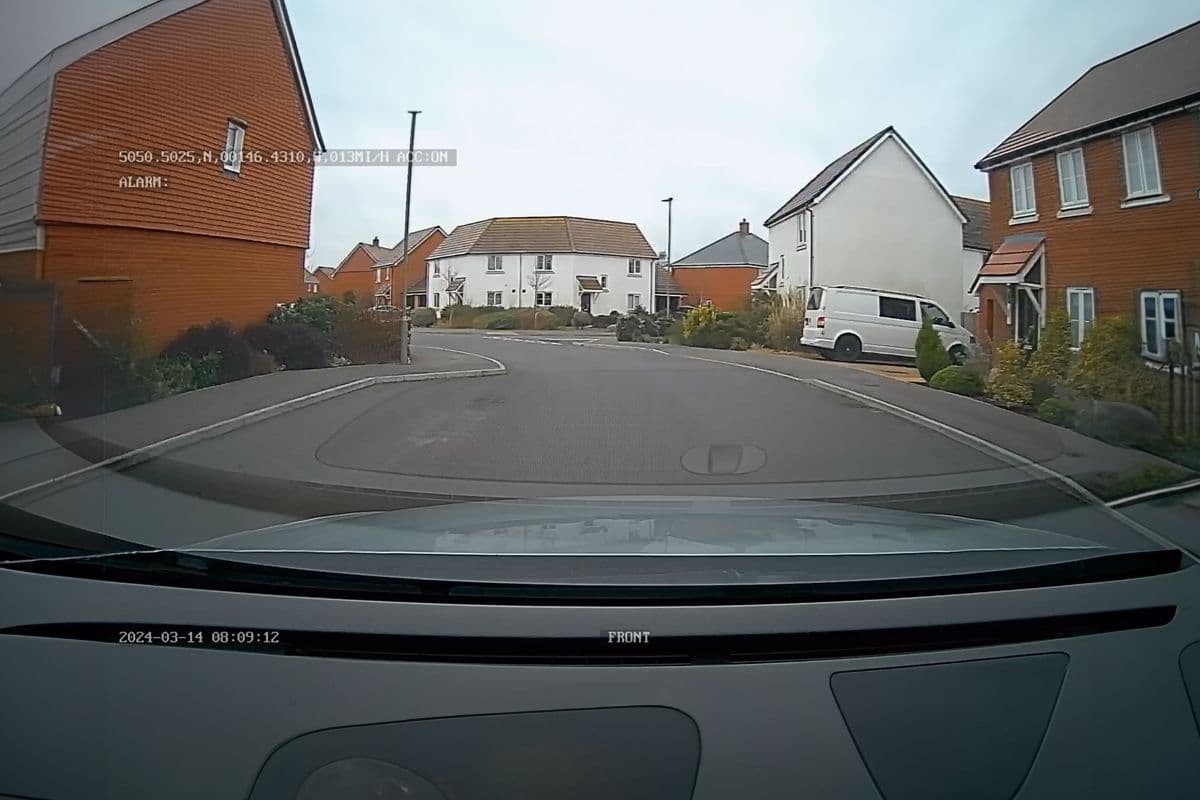
Request a video
Remotely download footage from your driver's vehicle cameras from any time or journey.
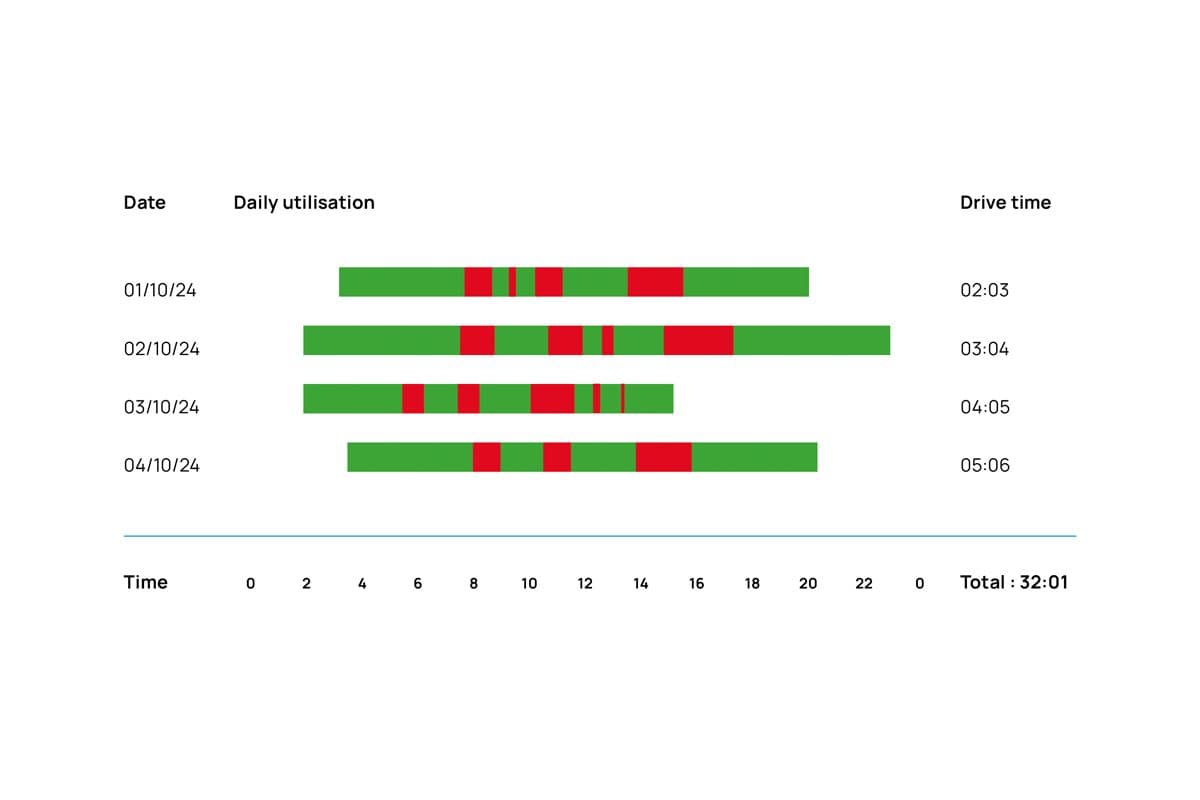
Reports
Access a wide range of fully customizable reports that support both day-to-day business decisions and longer-term strategic choices.
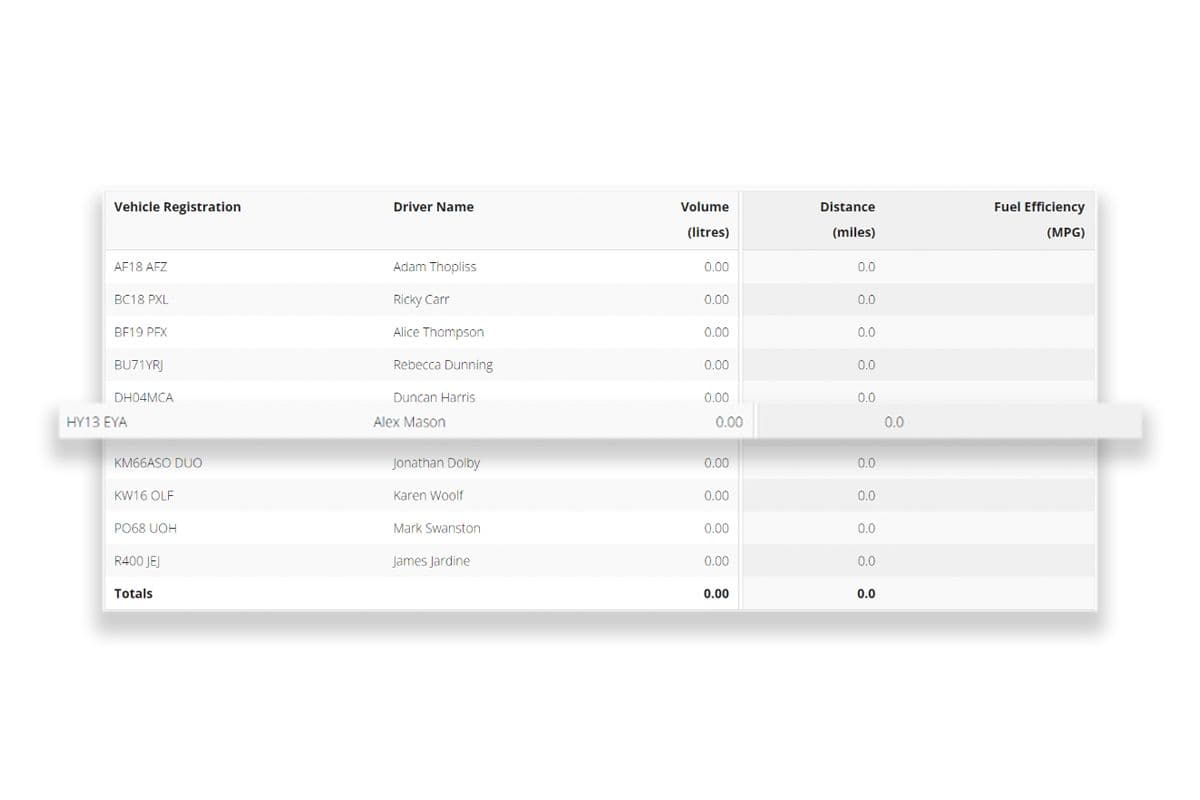
Admin
Effectively manage your telematics system to gain visibility into hardware, organisation, and accounts, allowing you to make informed decisions and optimise performance.
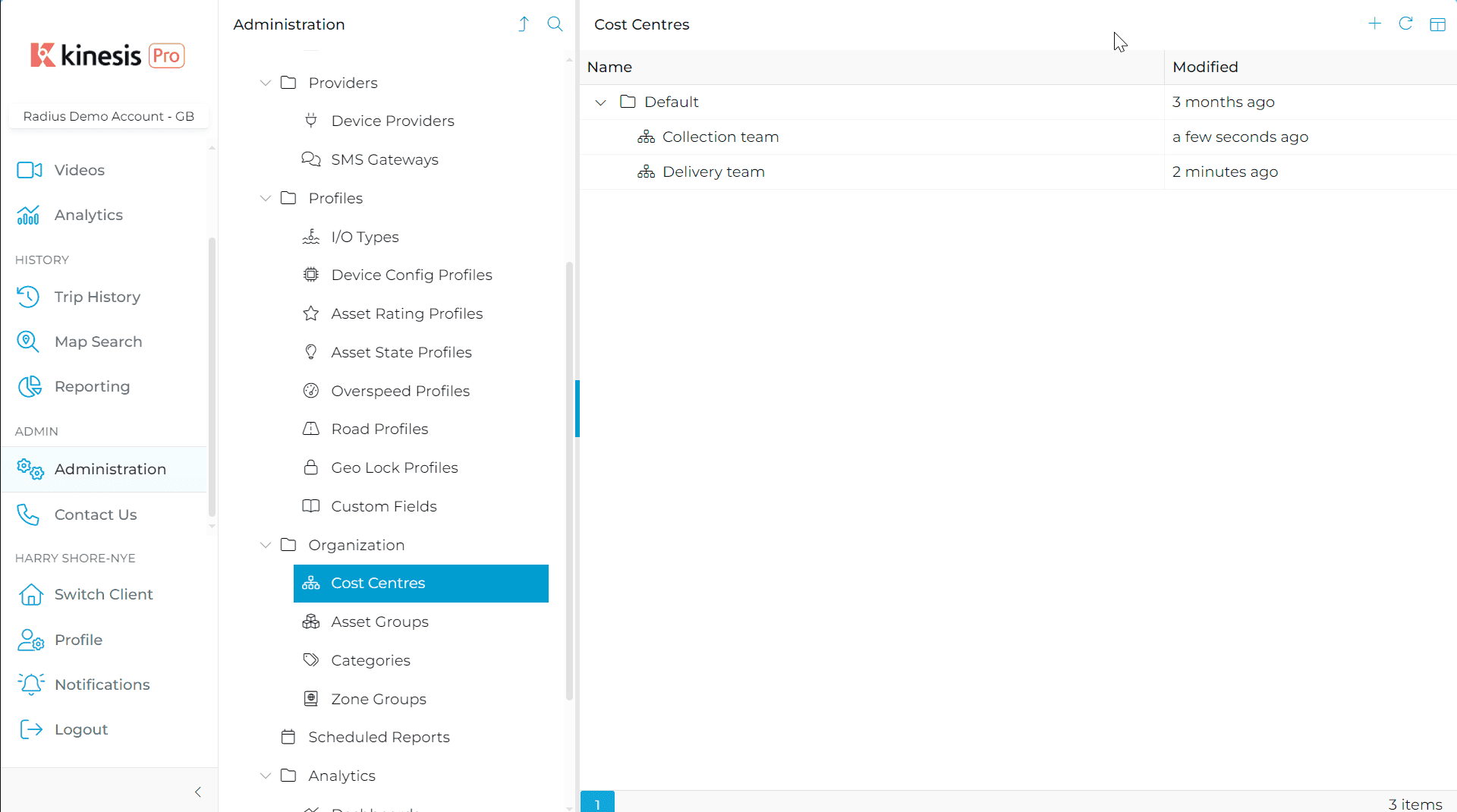
Cost centres
Create organisational hierarchies within your telematics system. Split your drivers into teams, run specific reports on different cost centres or set alerts.
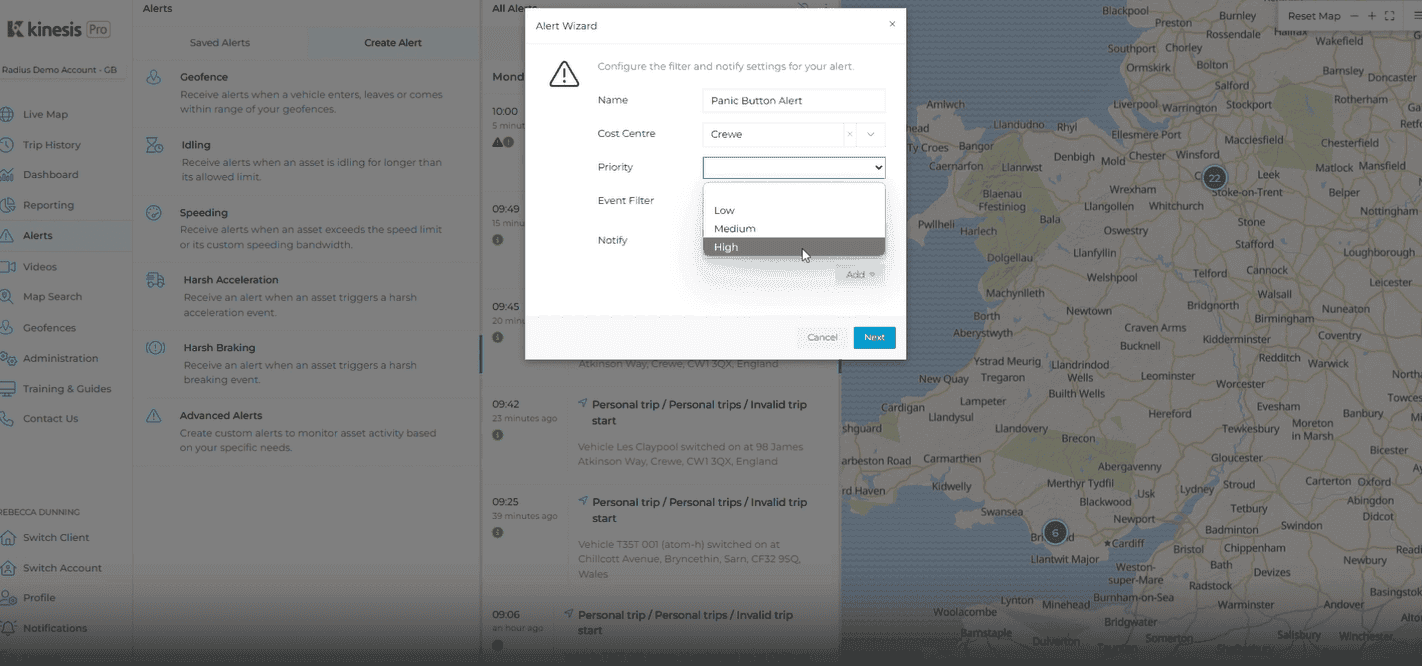
Panic button
Capture crucial footage instantly with the panic button on our Vision Uno and Vision Duo devices. Designed for quick response, this feature ensures reliable event recording, enhancing safety and accountability while you drive.
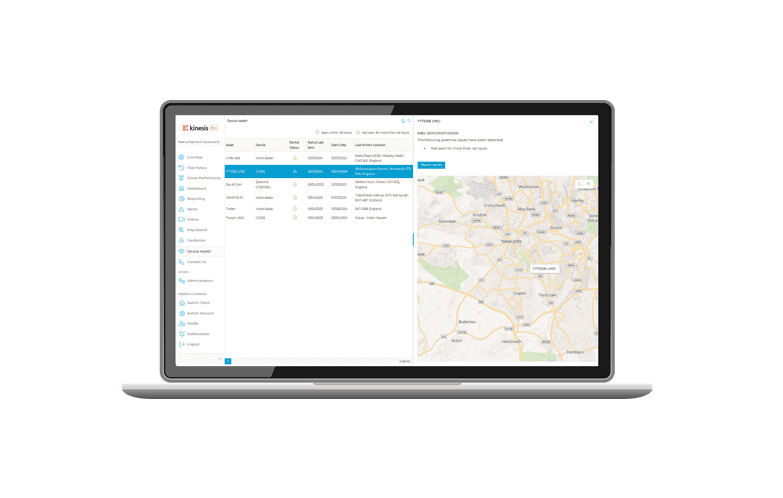
Device health
The device health dashboard allows you to monitor the status of any cameras installed in a vehicle, helping you to proactively manage your equipment.
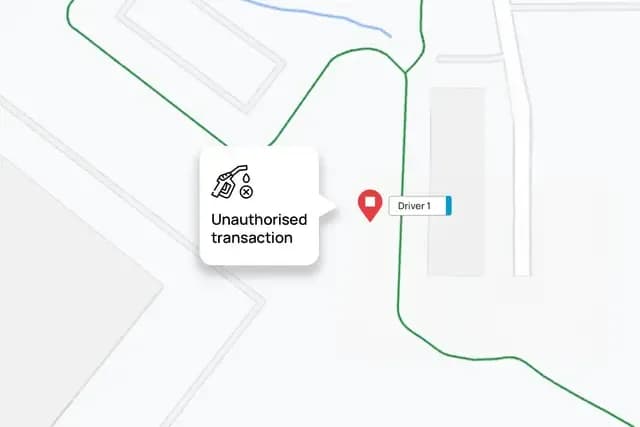
Geo-plus
Link your fuel card to a tracked vehicle to understand your fuel efficiency and spot potential fuel card fraud - see if your fuel cards were used but your tracked vehicle was not present.
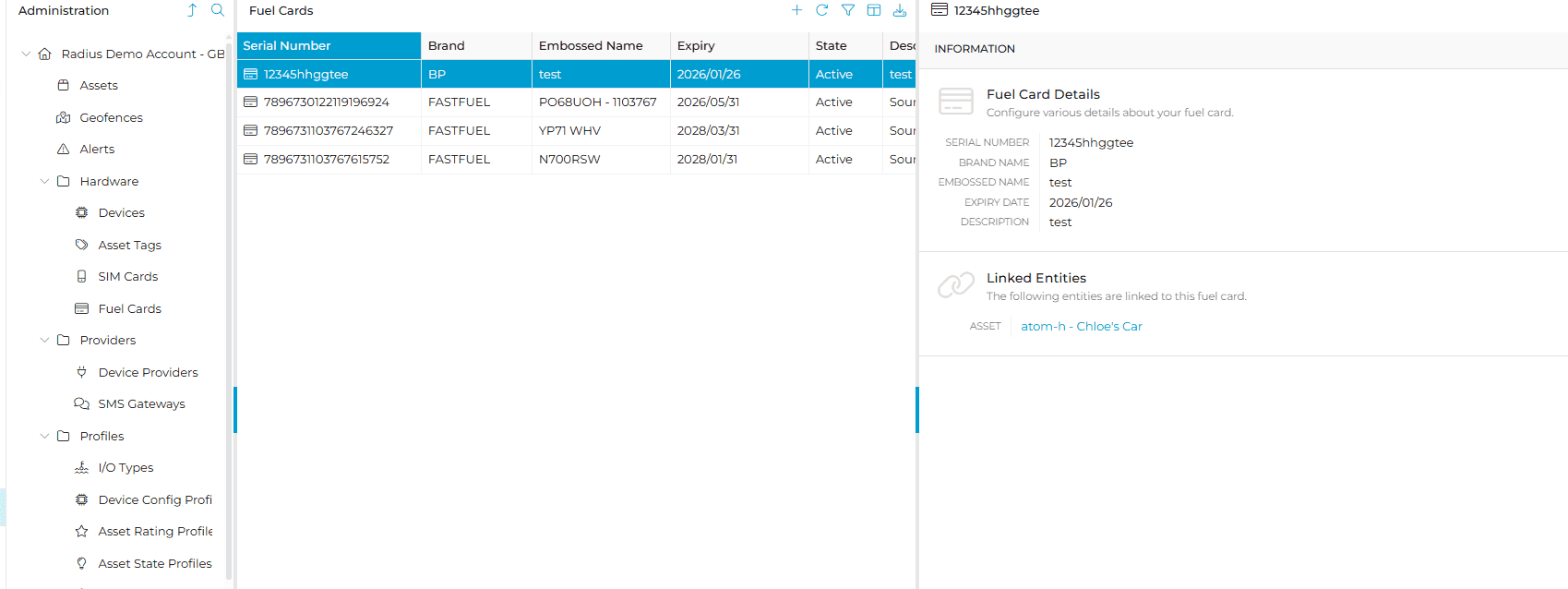
Fuel card linking
You can now link your fuel cards as needed to a specific device, providing greater flexibility for mixed fleets. This useful guide will show you how to link your fuel cards to your vehicles on the Kinesis Pro system.
Can’t find what you are looking for?
Need help? The customer support team at Radius operates across more than 52 offices worldwide, providing local contact with a global presence. Let us know how we can assist you.

Radius Telematics Limited is authorised and regulated by the Financial Conduct Authority under reference number 976344.