- Home
- Software training & how-to guides
- Kinesis Pro how-to guides
- Kinesis Pro - Panic button
Kinesis Pro - how-to guides
Panic Button
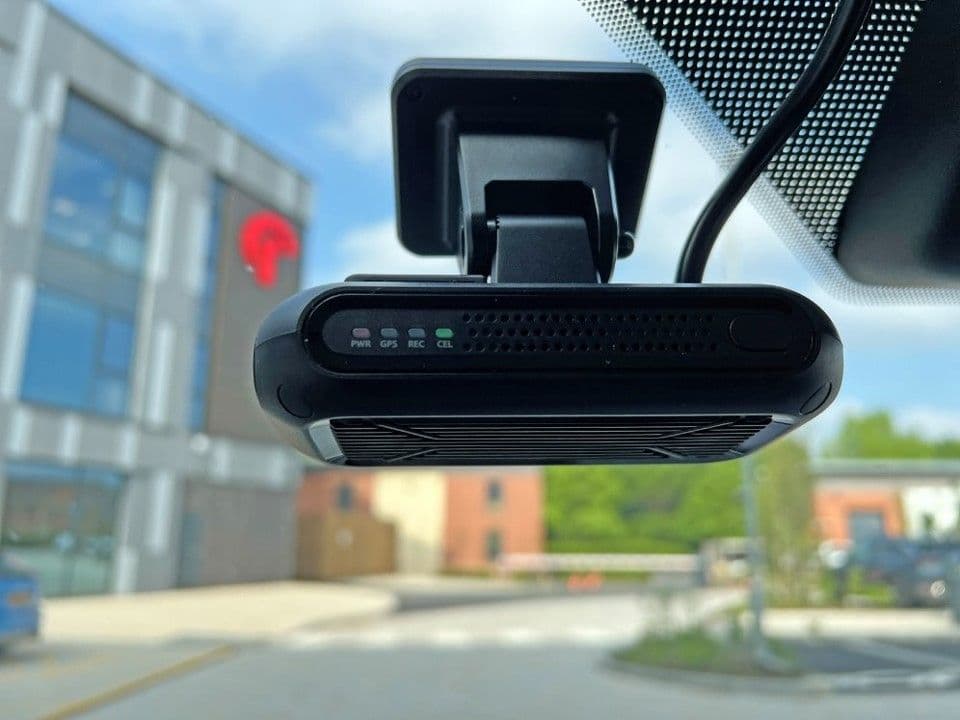
Our vision-uno and vision-duo devices are equipped with a 'panic button' for quick incident response.
Instead of manually searching through the footage, your drivers can press the button to instantly download the relevant video, automatically triggering an alert.
Setting up alerts:
Notify fleet managers of the driver activated events via email or push notification.
Setting up the footage:
Now the alert has been created, learn how to set up the footage.
Review and retrieve recorded videos through the event videos or trip history section.
Can’t find what you are looking for?
Need help? The customer support team at Radius operates across more than 52 offices worldwide, providing local contact with a global presence. Let us know how we can assist you.

Radius Telematics Limited is authorised and regulated by the Financial Conduct Authority under reference number 976344.