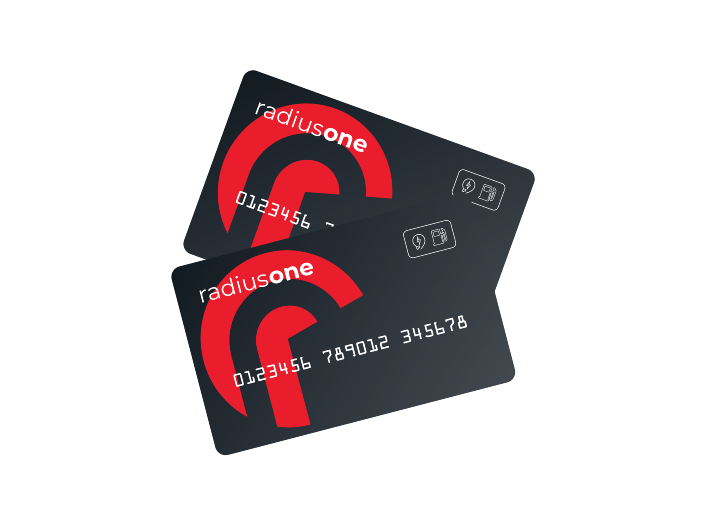
How to use a fuel & EV charge card

Step 1: Find a station
Use Radius e-route to quickly and easily locate both fuel stations or EV chargers that accepts your card.
For electric vehicles: Radius e-route will help you find suitable chargers along your route with live availability.
For petrol or diesel vehicles: Radius e-route will show you the nearest fuel stations, helping you plan stops efficiently without unnecessary detours.
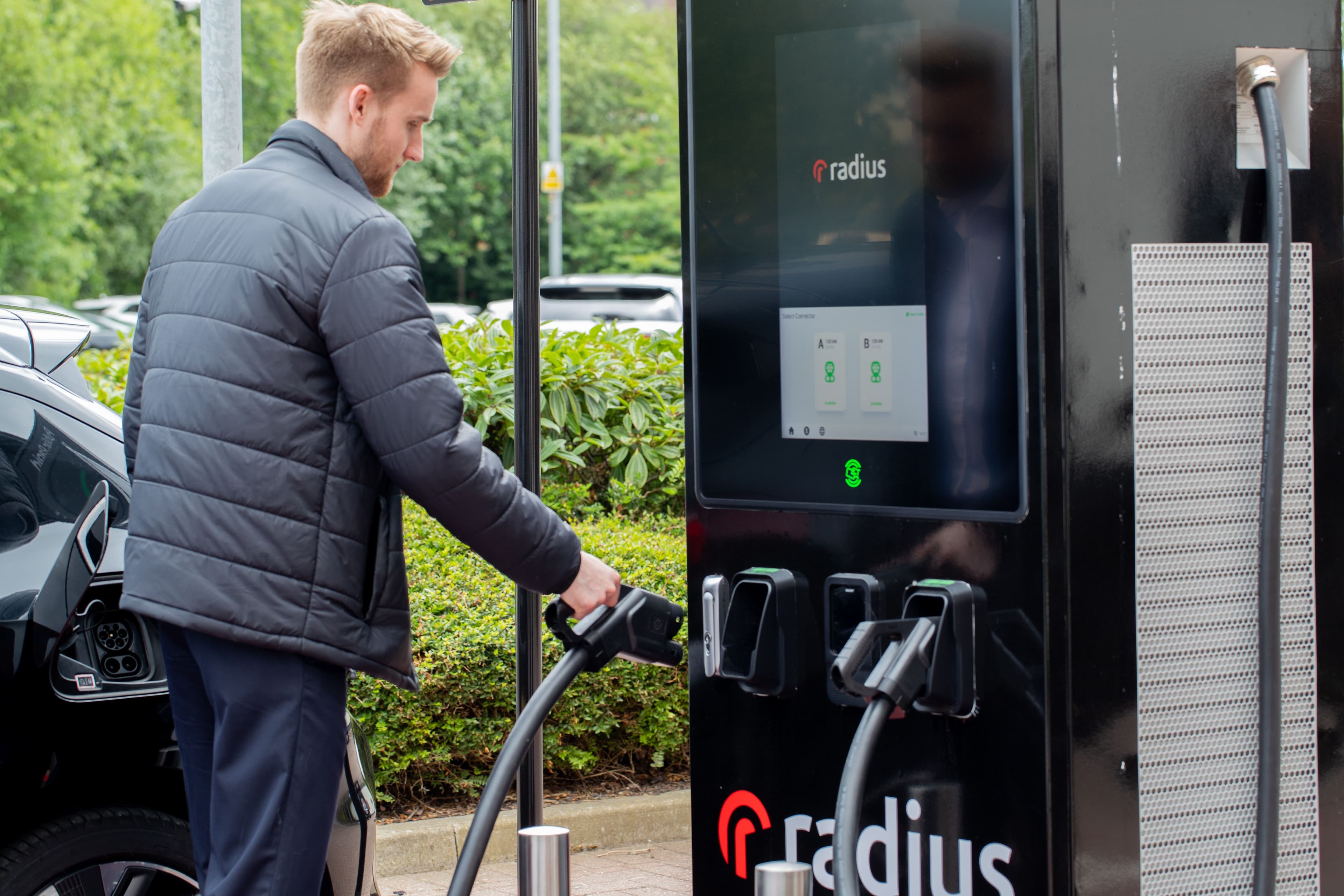
Step 2: Charge/fuel your vehicle
For electric vehicles: Plug the charging cable into your vehicle and tap the card on the terminal to start charging.
For petrol or diesel vehicles: Refuel your vehicle with the desired amount of petrol or diesel.
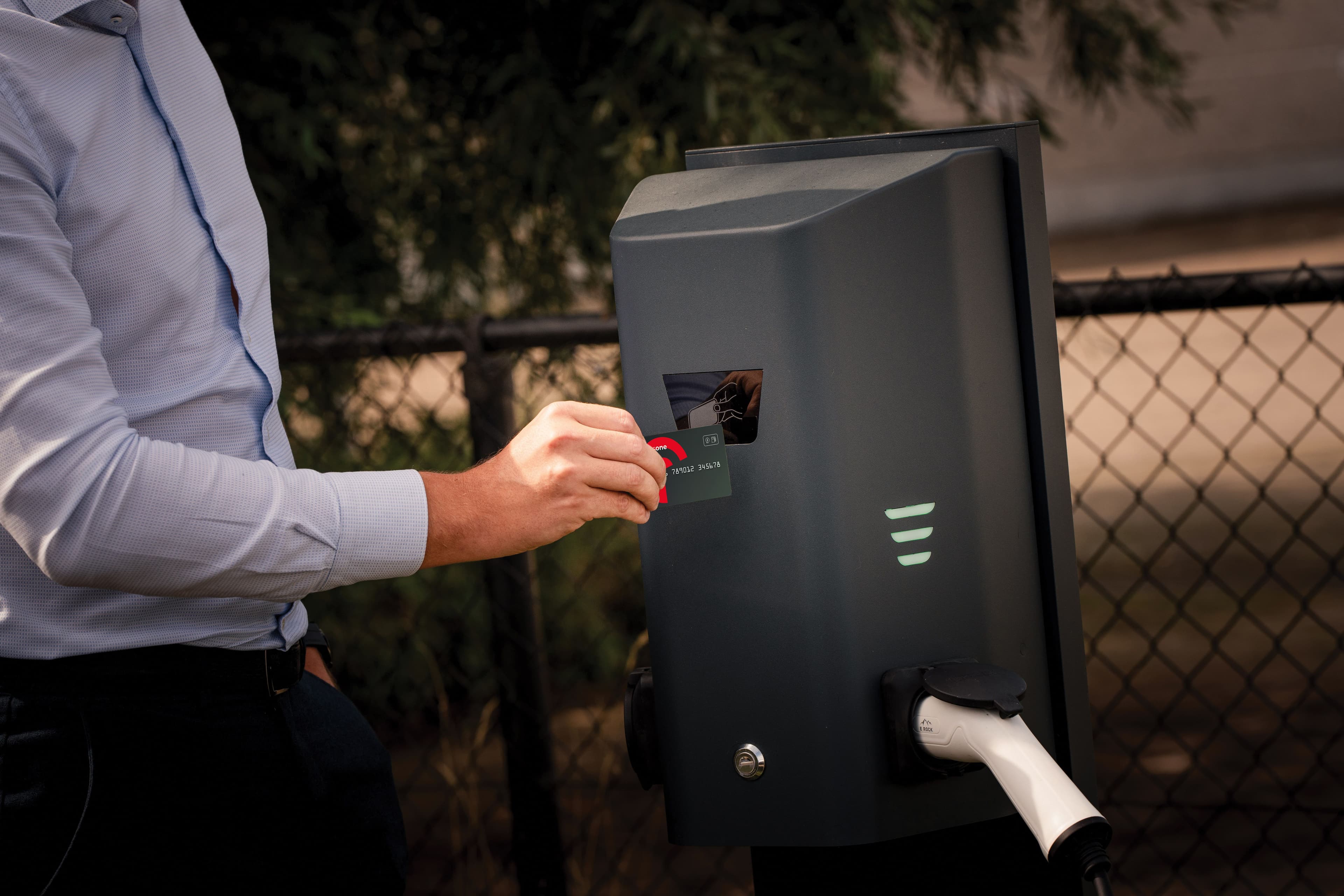
Step 3: Payment
For electric vehicles: Tap the card on the terminal a second time to stop charging and remove the cable.
For petrol or diesel vehicles: Present your fuel card to the cashier. To complete the transaction, enter the fuel card PIN or sign for the transaction.

Step 4: Continue your journey!
The transaction will be logged on the company account and appear on the next weekly or monthly invoice.
Watch our step-by-step video guide on how to use your fuel and EV charge card