
- Home
- Telecoms
- Unified communications
- Microsoft Teams Phone
Business calling with Microsoft Teams Phone
Call, chat and collaborate in one platform
Enterprise-grade business calling
Deploy with Operator Connect or Direct Routing

Why Teams Phone
The phone system you already know
Microsoft Teams is already where your people work every day. Add Teams Phone and it becomes your complete cloud business phone system, bringing calling, meetings, messaging and collaboration together in one familiar platform.
Replace your legacy phone system, support hybrid working and keep your teams connected from anywhere, all without introducing another application for employees to learn.
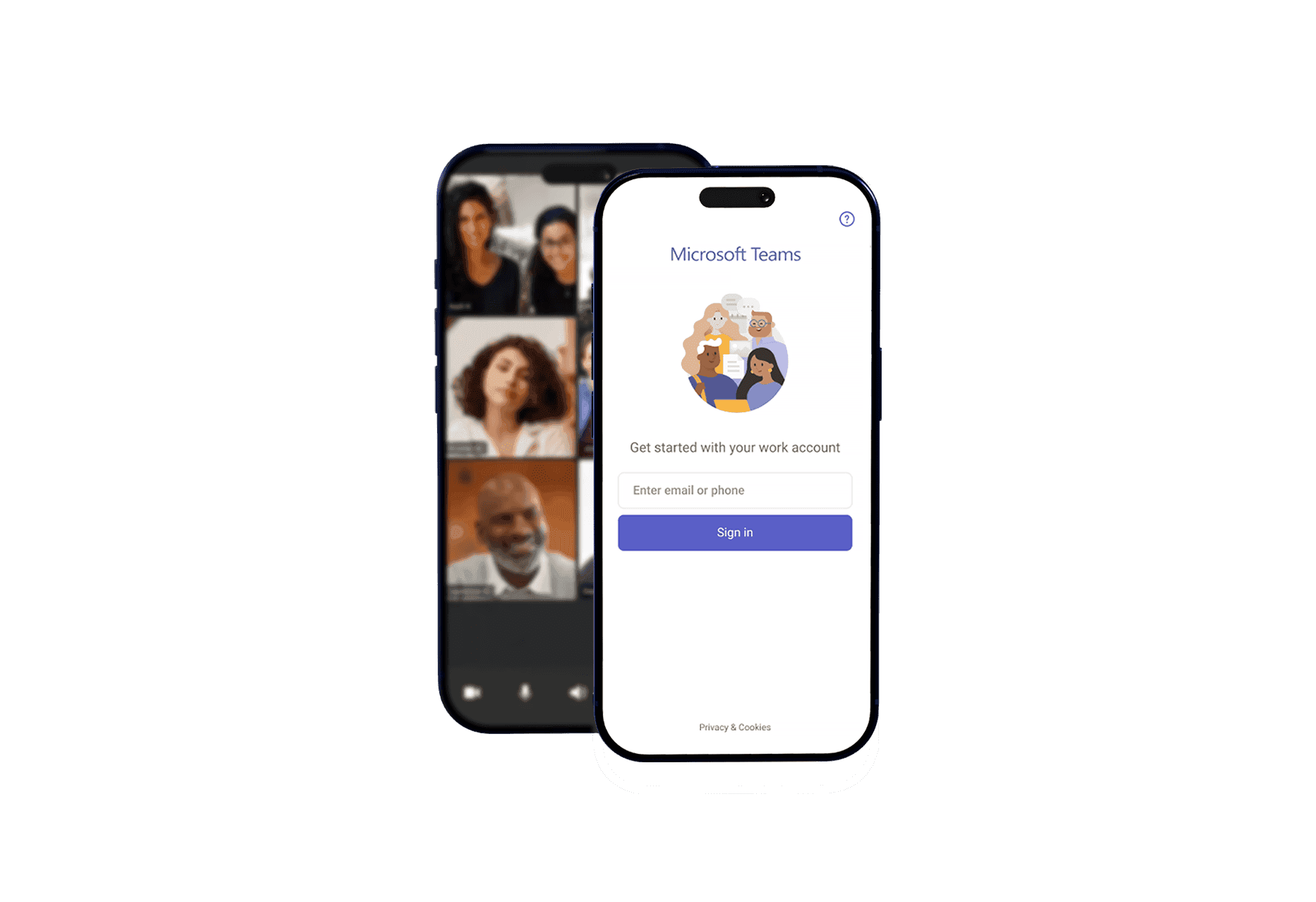
Why businesses choose Teams Phone
Work from anywhere
Make and receive business calls on desktop, mobile or compatible desk phones without changing the way you work.
Keep collaboration flowing
Move seamlessly between calls, meetings, chat and file sharing without switching between applications.
Scale with confidence
Add users, locations and numbers quickly as your business grows, without the limitations of traditional phone systems.
Simplify administration
Manage users and calling policies through a centralised platform, reducing day-to-day administration.
Protect business continuity
Cloud-based calling helps keep your teams connected wherever they are, even if your workplace changes.
Reduce complexity
Bring your business communications together in one platform, reducing the need for multiple systems and suppliers.
Operator Connect or Direct Routing?
There are two ways to enable business calling in Microsoft Teams: Operator Connect and Direct Routing. Both deliver the same familiar Teams calling experience but are designed for different business needs.
For most organisations, Operator Connect offers the fastest and simplest route to Teams Phone. Businesses with more complex requirements or existing telephony infrastructure may be better suited to Direct Routing.
At Radius, we support both options and will recommend the approach that best fits your business, managing the entire deployment from start to finish.

Powerful calling features
Make and receive business calls from anywhere
Route every caller to the right person automatically
Manage inbound calls with intelligent call queues
Transfer calls seamlessly between people and devices
Access voicemail directly within Microsoft Teams
Keep your existing business numbers when you switch
Manage users and calling from one central platform
Bring all of your Microsoft 365 collaboration suite together in one platform

Frequently asked questions
Can’t find an answer to your question? Talk to the Radius customer support team on 0330 818 5000. We’re here to help you with any questions or concerns you may have.

Why choose Radius?
Our international presence impacts over 470,000 businesses across five continents.
Expertise
Our team has over 36 years of experience helping more than 470,000 customers globally
Trust
We are an internationally-acclaimed provider with numerous awards for our products and services.
Choice
Choose from our range of fleet, mobility and connectivity solutions that can be tailored to suit your needs.
Solutions
Use our award-winning technology and services to save your business time and money.
Can’t find what you are looking for?
Need help? The customer support team at Radius operates across more than 49 offices worldwide, providing local contact with a global presence. Let us know how we can assist you.