- Home
- Telematics
- Devices
- Self-install vision OBD
Self-install vision OBD
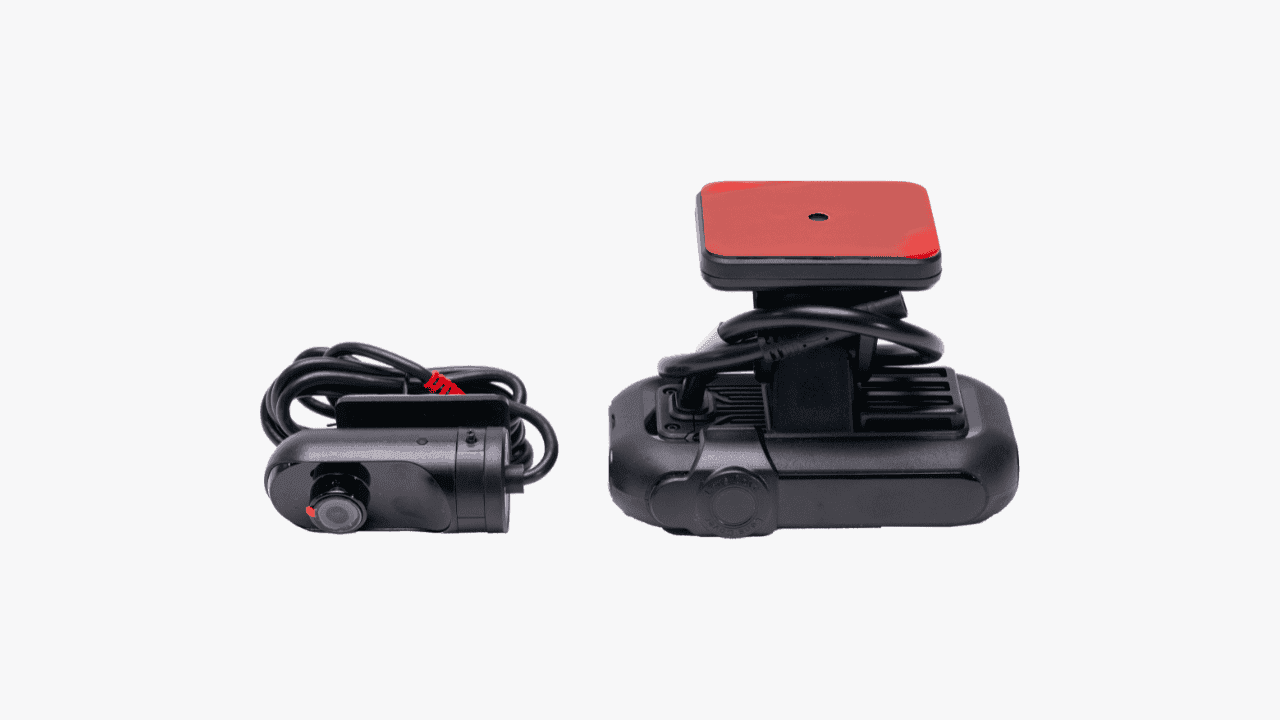
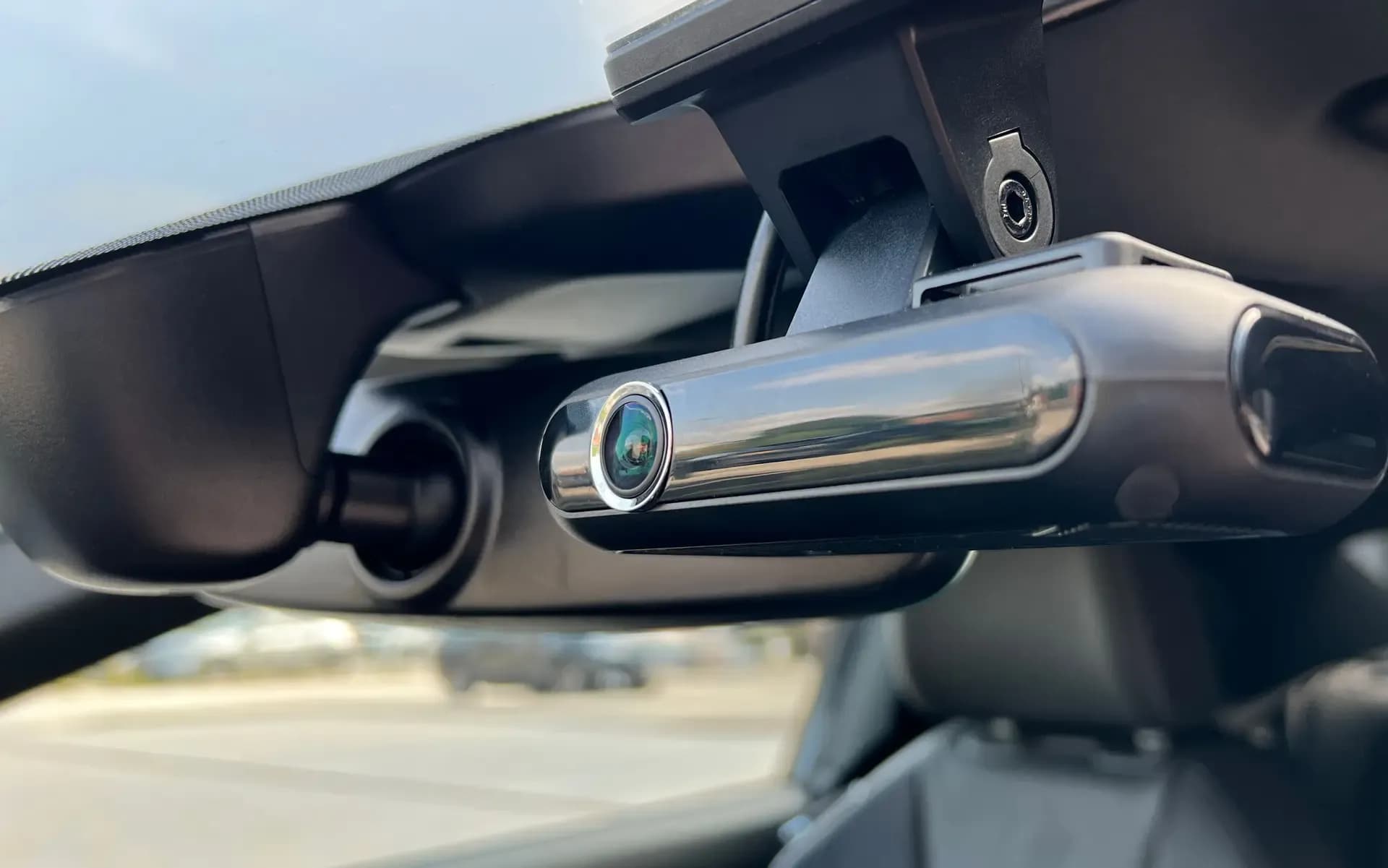
Our self-install vision OBD vehicle camera system combines our front facing vision dash cam range with our Kinesis tracking software, offering complete visibility of your fleet. Access our Kinesis platform online or via our mobile app to stay informed wherever you are.
Defend your business against false and malicious insurance claims
Improve the safety of your drivers on the road
Remotely access footage through our Kinesis telematics platform

Tracking capabilities
The self-install vision OBD features vehicle tracking capabilities, providing live vehicle location, trip history and driver performance data.
High-definition clarity
The self-install vision OBD offers forward facing crystal-clear 1080p HD pictures with a wide-angle view, ensuring all footage is sharp and comprehensive.
Live streaming
The self-install vision OBD has live streaming capabilities, enabling fleet managers to monitor driver behaviour or events in real time.
SD storage
It is equipped with a 256GB SD card, offering ample storage for video recordings and critical event footage.
Key features of our Kinesis vehicle camera software
Since launching our Kinesis software over ten years ago, our team has continuously developed it to include the features and functionality our customers have told us they need to manage their vehicles. Our software lets you easily access and manage recorded footage from your dash cams, providing a comprehensive view of your vehicle's surroundings. If you're a fleet owner or manager who's often on the road, our software includes a mobile app for easy access.
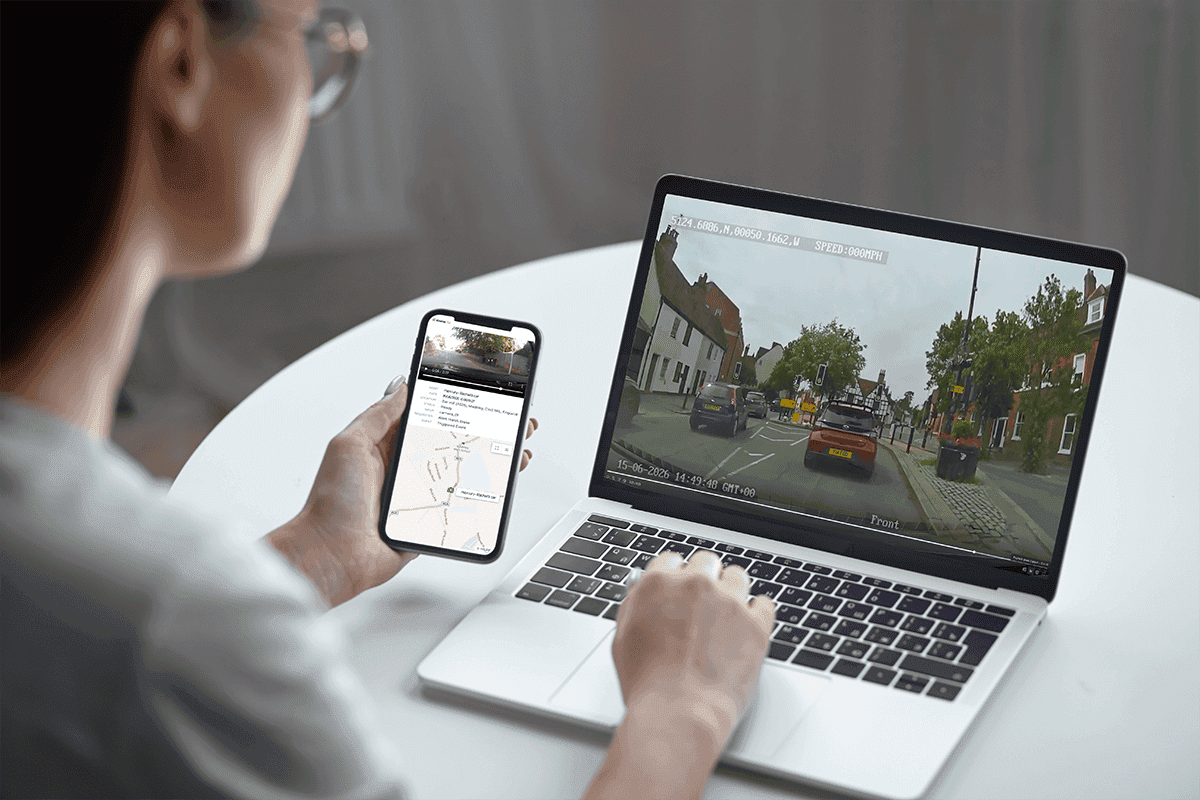
Remote footage download
Our Kinesis platform lets you remotely download footage from your external and internal dash cams anytime. You don't need access to the vehicle or the camera SD card to view the footage. Previously downloaded footage is stored on the platform and can be downloaded to your computer if required.
Live streaming
Panic button alerts
Crystal clear HD video
Vehicle tracking
Live map
Trip history
Driver performance
Device health
Mobile app
Technical specifications
You can learn even more about the Self-install vision OBD via the technical specification sheet below.
How to install the self-install vision OBD
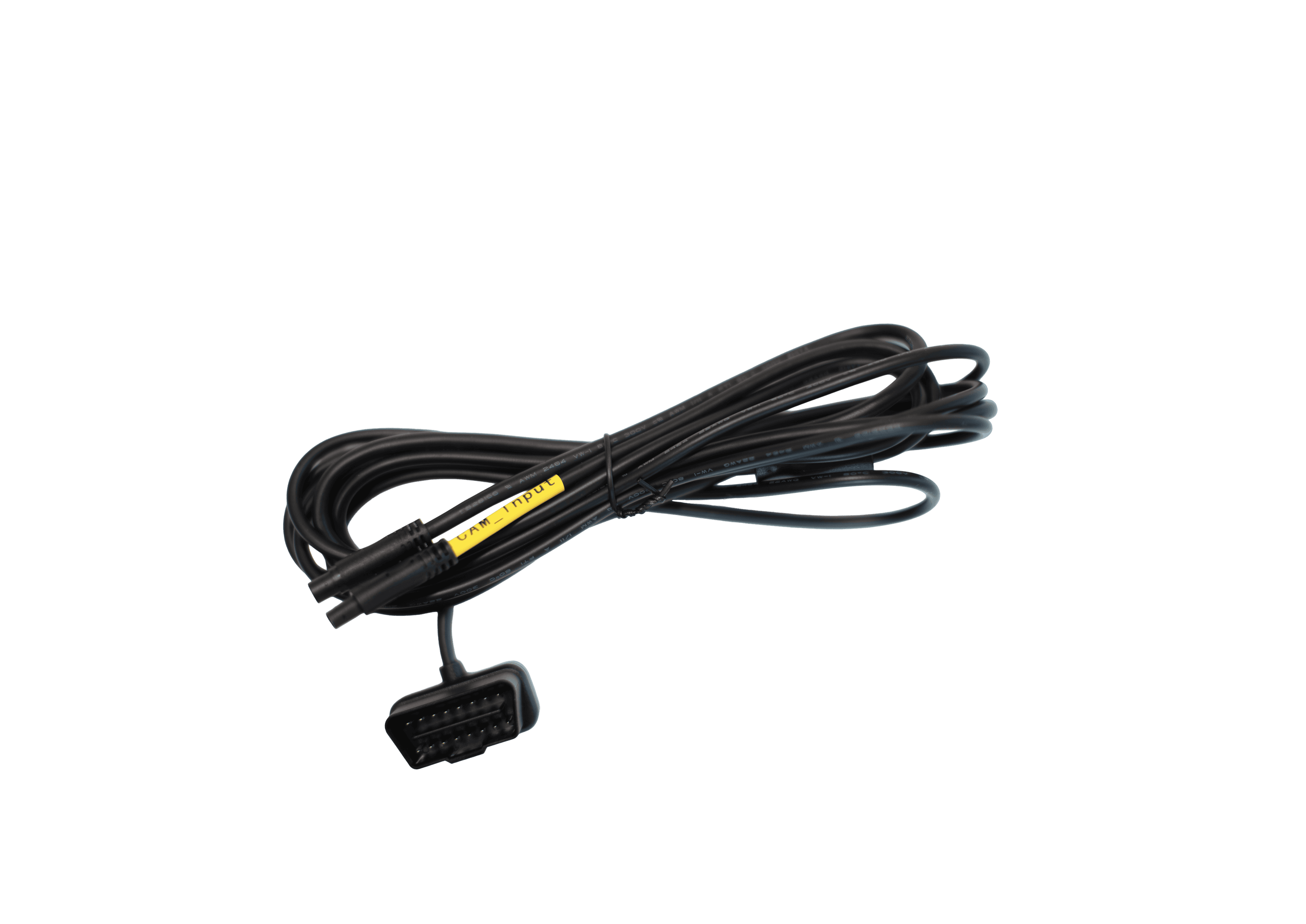
With our self-install vision OBD dash camera, you have the option of simplified installation, without the need for a technician.
Our self-install vision OBD is easily transferrable, and can be quickly removed and re-installed, making it ideal for fleets that regularly rotate or replace their vehicles.
Watch our guide:
Frequently asked questions
Can’t find an answer to your question? Talk to the Radius customer support team on 0800 056 4432. We’re here to help you with any questions or concerns you may have.
Can’t find what you are looking for?
Need help? The customer support team at Radius operates across more than 49 offices worldwide, providing local contact with a global presence. Let us know how we can assist you.